Switch the workspace to GitLab (Checkin)
This is only necessary if you want to work in GitLab but the Nextcloud side is active. In that case, make sure no one is working on the Nextcloud side of the project and backup the project.
- In fredato, go to the “Projects” tab.
- Make sure there are no changes since the last backup (or backup if there still are some) because all changes since the last backup will not be carried over to GitLab.
- Then click on the three dots right next to the project you want to switch to GitLab. In that menu, click on “Delete Checkout”.

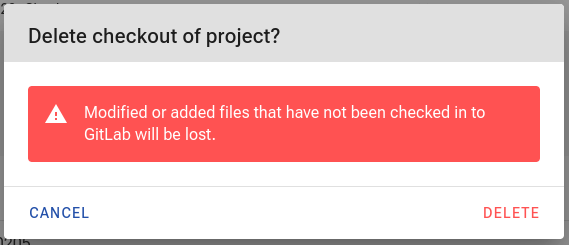
- This will open a dialog asking for your confirmation that you will delete it and also remind you to make a backup beforehand. If you already exercised that backup, just confirm by clicking “Delete”. This will close the dialog and once the GitLab-link becomes enabled again the operation completed successfully. Now, you can progress to work on GitLab.